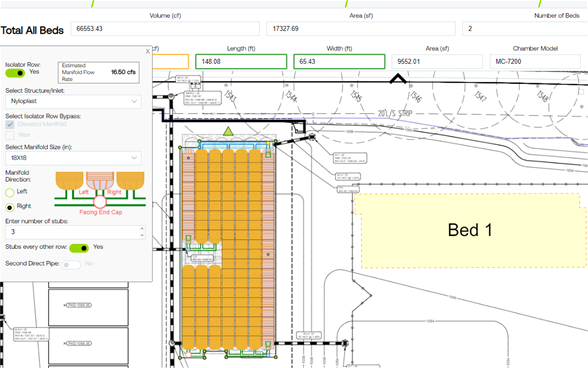
StormTech Design Tool

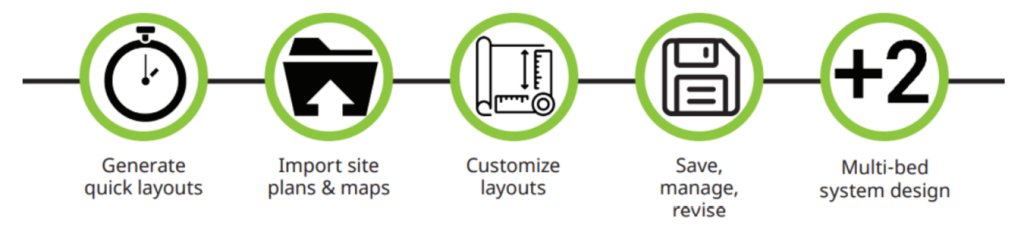
Design Tool helps create your own site-specific stormwater management system quickly and easily. With site-specific layouts, which integrate with CAD and other design, engineering and submittal documents, Design Tool allows you to add, move, scale or rotate chambers, structures and manifolds, and toggle between pipe and chamber sizes to accommodate unique site challenges.

And with a built-in schedule of materials, you can prepare estimates within minutes.

Using Design Tool

It really is as simple as one, two, free

  1. Set up a free account to create, save, manage or revise your design within a secure online database.
  2. Simply enter the desired hydraulic performance, system parameters, chamber size and a site plan, background or map from a pdf or image file. Sample designs and layouts are also available.
  3. Design Tool will automatically build an optimised system which matches the design parameters.

For the Design Tool Users Quick Guide click here
For the suite of Instructional Videos click here

The ADS StormTech Design Tool helps us achieve an optimised stormwater attenuation solution early in the design process.  It is easy to use, with helpful instructional videos. It saves time and provides all the necessary information to create material estimates and site drawings.

Colin Grzybowski
Etive Consulting Engineers Limited

Stormwater management systems made easy

The StormTech Design Tool helps you harness the hidden art of stormwater management – even when designing multiple beds in a single project. View the StormTech Video library here.

Quick Guide

Your optimised stormwater management system is only a few clicks away.

Continue with existing site copy and layout. Redirect video link in green box to new video display inc. screen grabs at foot of page.

For UK users, simply follow these steps to register:

  1. To visit Design Tool site, hosted in the USA, click here.
  2. Register for free at “Log in or Create an Account”. For the Country field, if your office is based in the United Kingdom, put in “UK” (if your project location is not in the UK, that comes later).
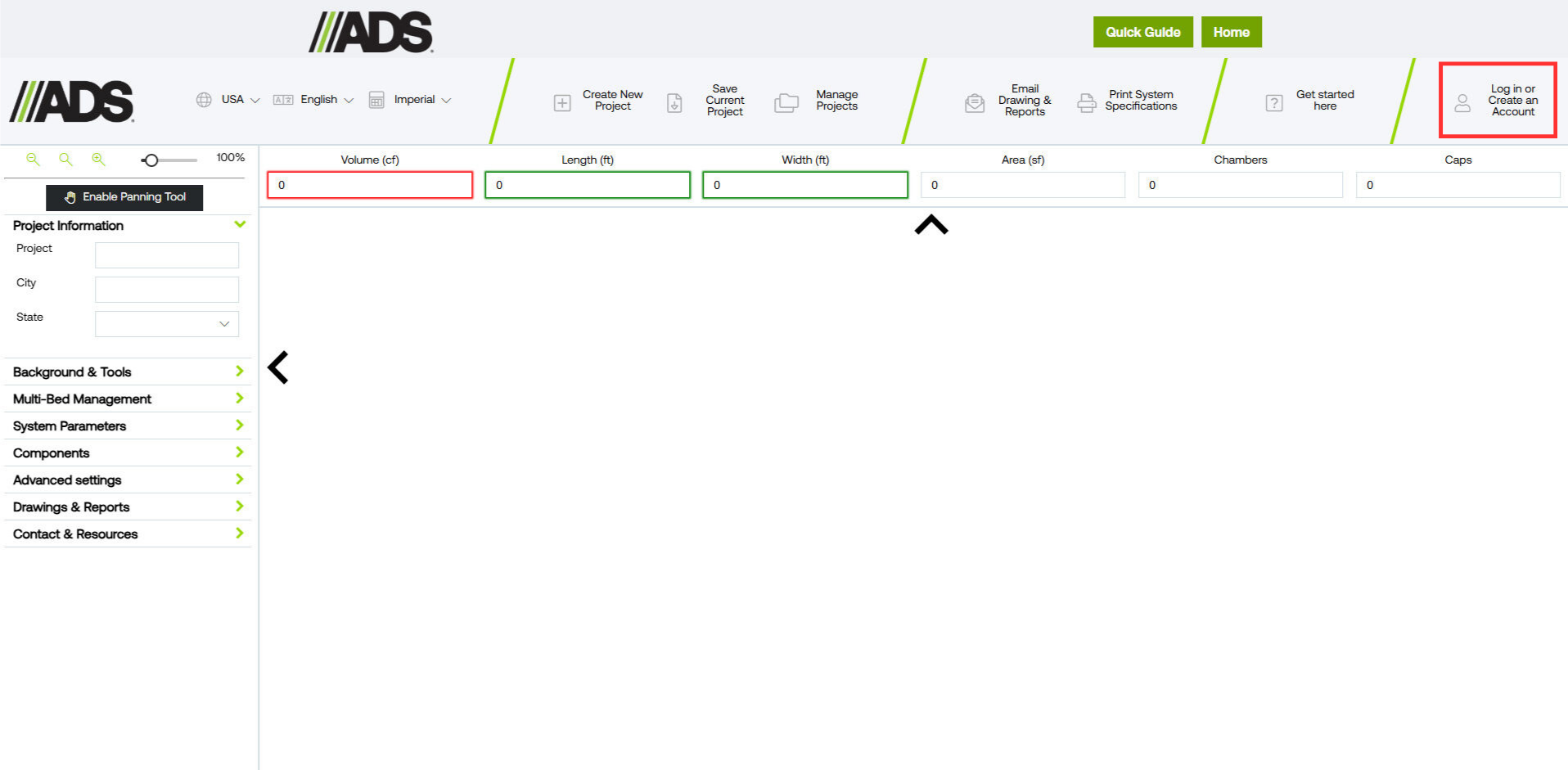
  3. You will need to enter dummy characters for the telephone and Zip Code fields. We recommend that you use “(111) 111-1111” for the telephone field and “11111” for the Zip Code Field.
  4. You will receive a verification code from Microsoft in your email inbox. Input this and congratulations, you’re ready to start using Design Tool.
Once registered simply:
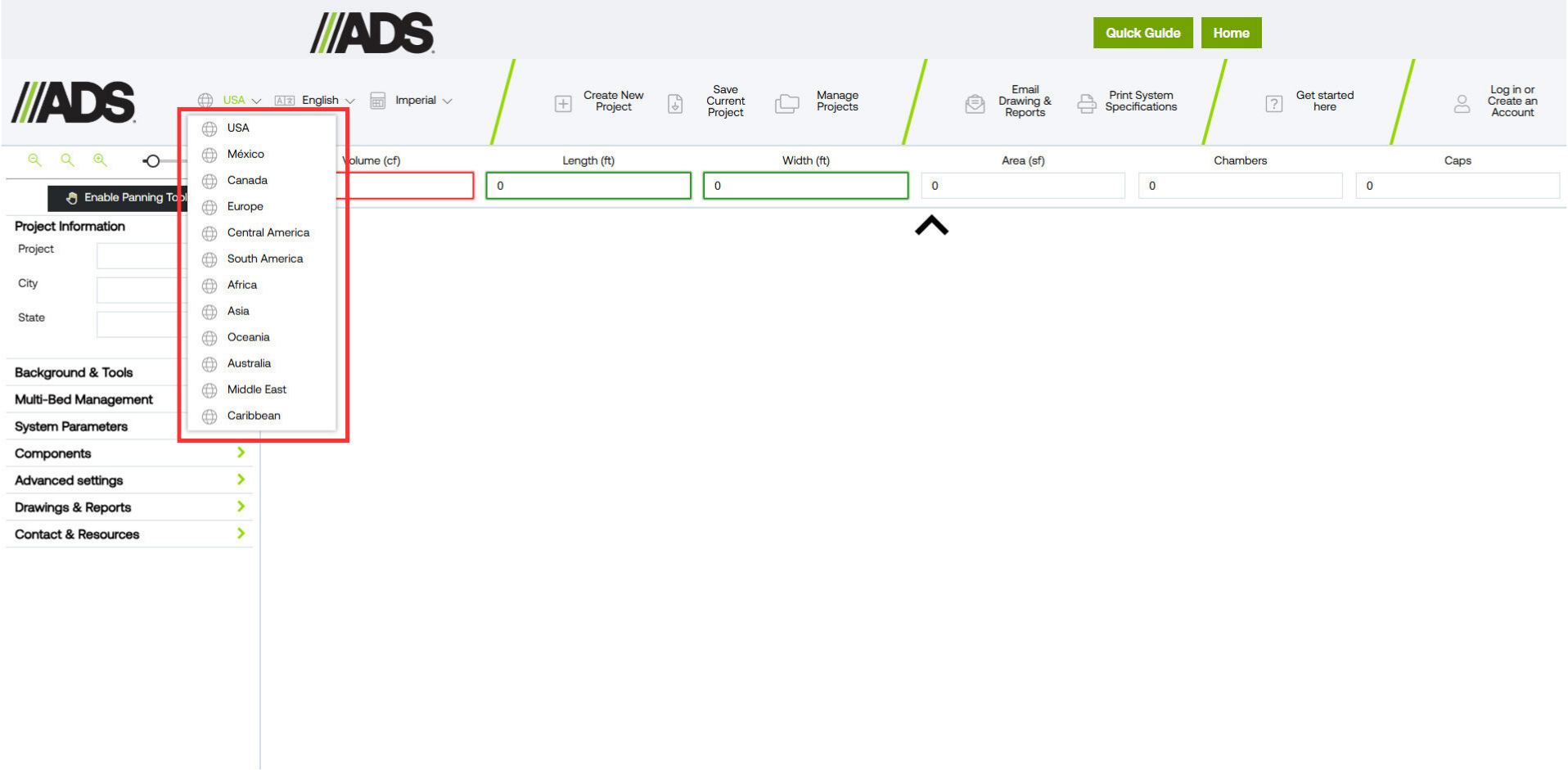
  1. Select Region to Europe
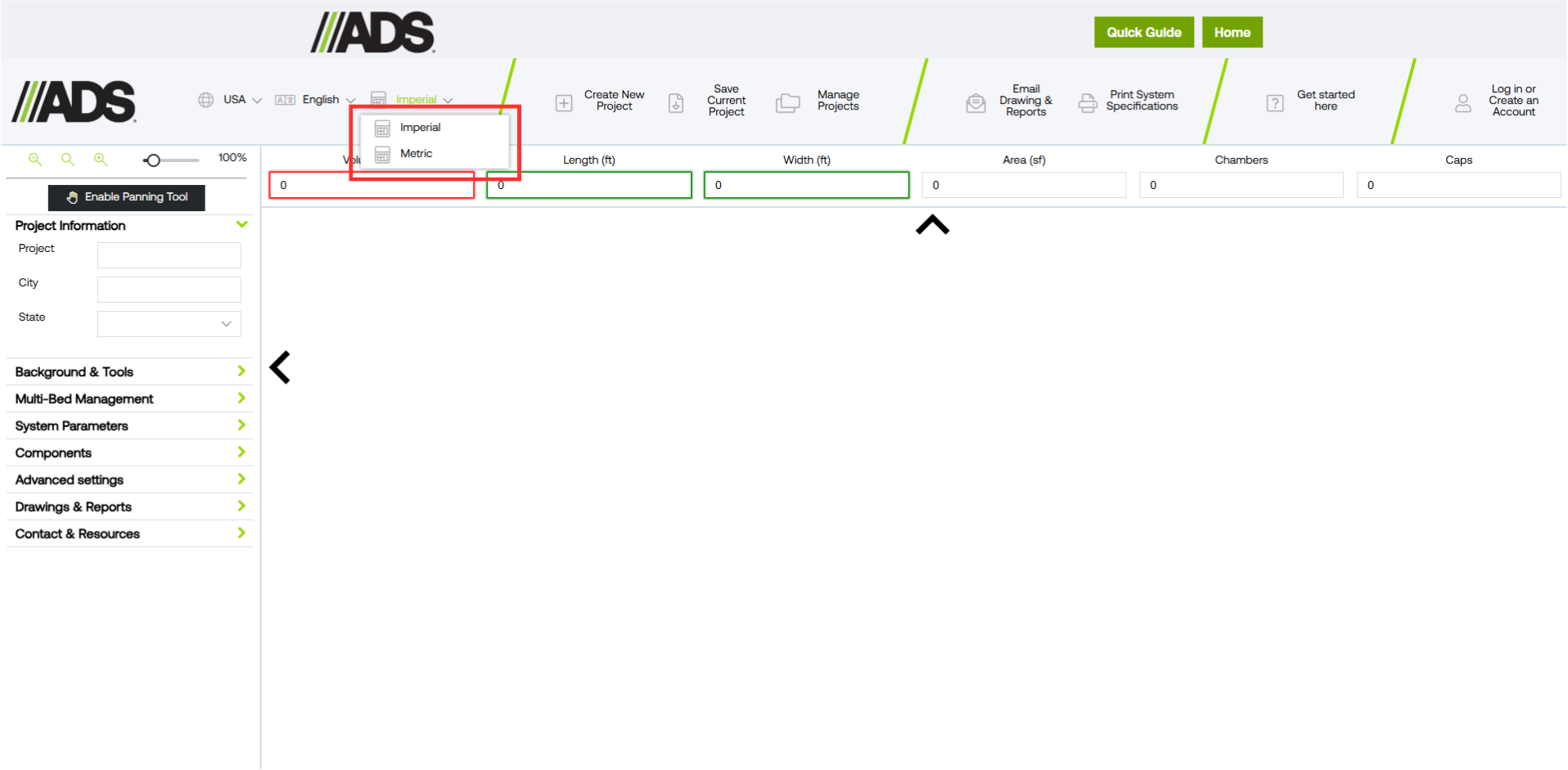
  2. Ensure units are set to metric
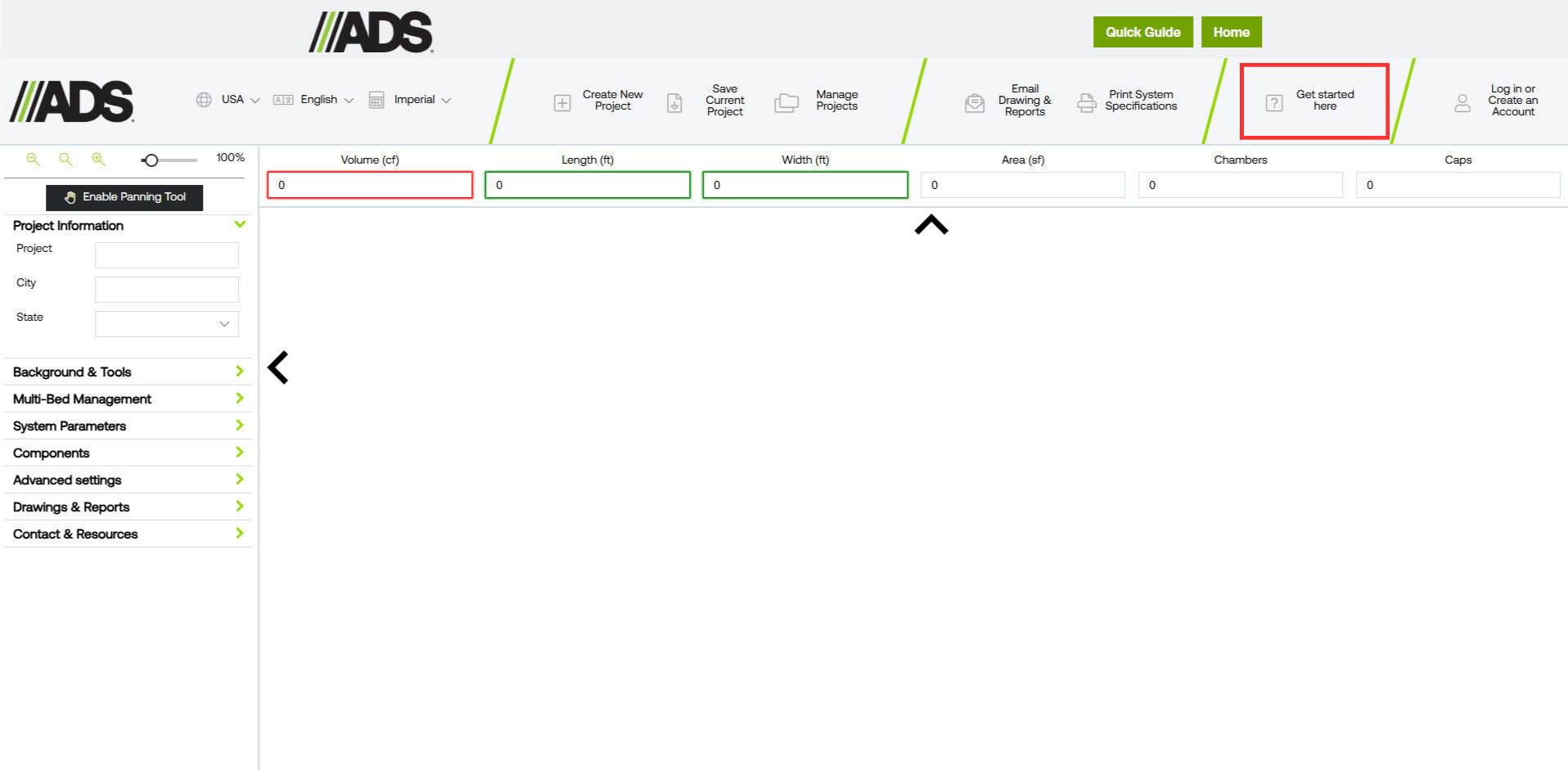
  3. Take the Design Tool tour
  4. Become an expert fast with our video guides. Click here to view our video library
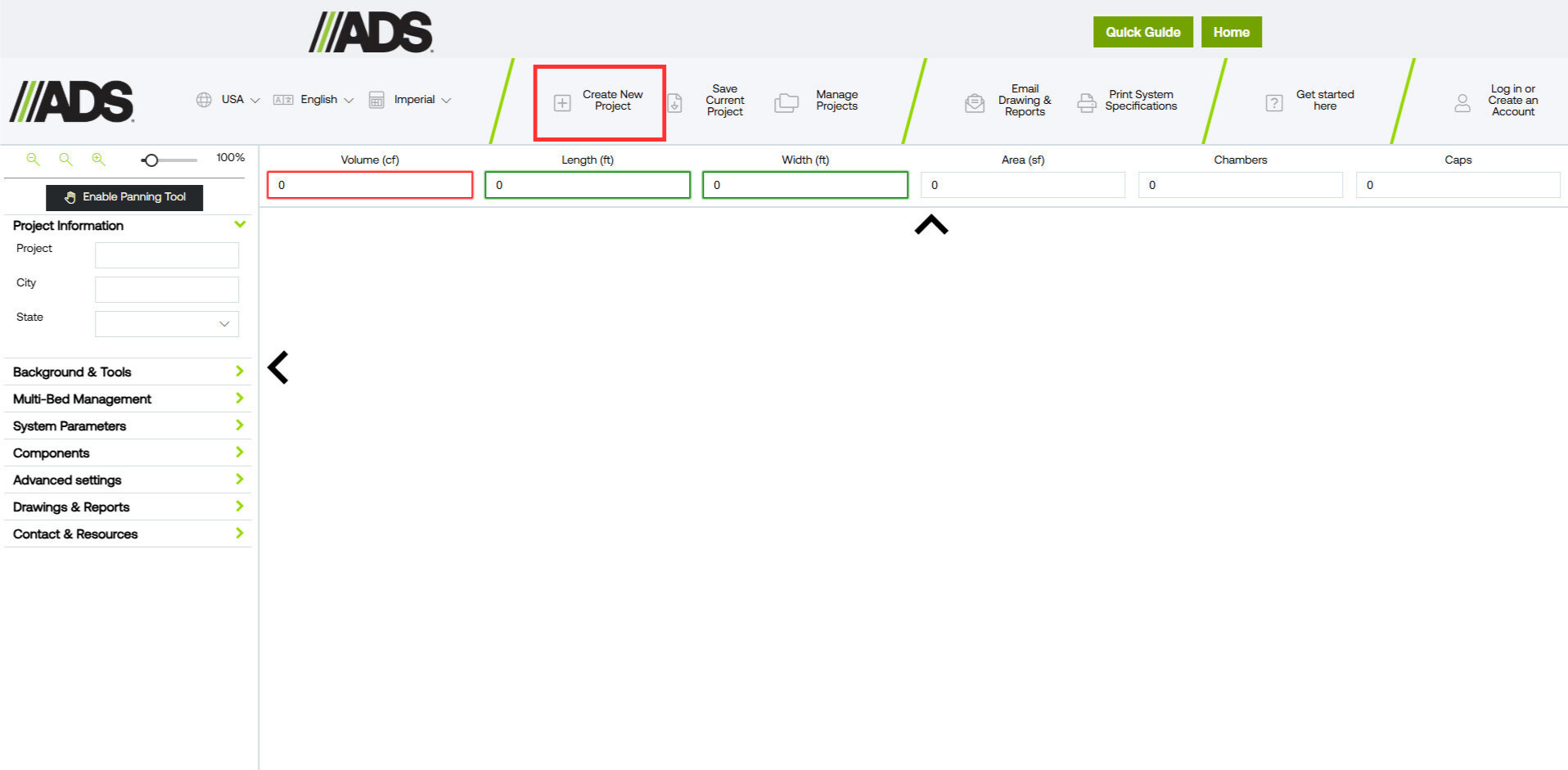
  5. Create a new project